Why a water drop icon appears on Samsung smartphones and how to fix it
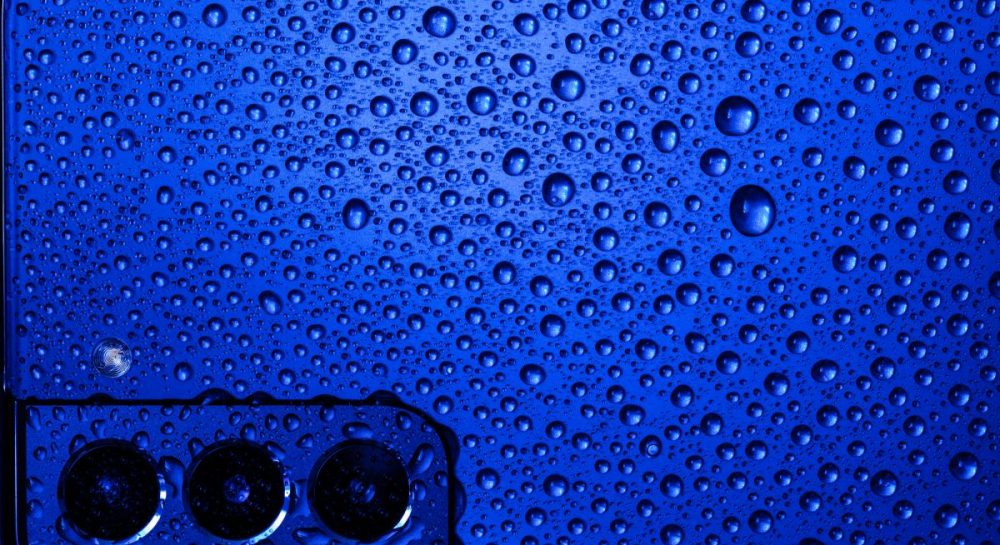
The water drop notification on Samsung devices indicates moisture in the USB-C port. The manufacturer explains how to safely dry the gadget and prevent damage.
 💡Tech
Photo: UNIAN
Key points
- The water drop icon blocks wired charging due to moisture in the port
- The manufacturer advises against using rice or hot hair dryers
- Wireless charging remains a safe temporary alternative if the body is dry
- Clearing the USB cache or replacing the cable can resolve persistent alerts
Modern mobile devices frequently feature moisture-resistant engineering, yet developers remind users that high ingress protection ratings do not make electronics entirely waterproof. When liquid accumulates inside the housing or the charging port beyond safe thresholds, the built-in safety mechanism triggers automatically. As a result, a water drop icon appears on the smartphone display.
Protection mechanisms and limitations
The primary purpose of this alert is to prevent short circuits and permanent hardware failures. For safety reasons, the system temporarily disables wired charging via the USB-C interface until the area is completely dry. However, the manufacturer notes that if the outer body is dry, users of compatible Galaxy models can still rely on wireless charging pads.
How to properly dry the device
- Wipe the device gently with a dry cloth and carefully shake it 5 to 10 times with the charging port facing downward.
- Leave the smartphone in a well-ventilated area, directing a cool airflow from a fan toward it.
- Avoid using raw rice or a hot hair dryer, as these methods can cause debris buildup or thermal damage to internal components.
If the alert persists after 24 hours, the issue might stem from a software glitch in the moisture sensor or lingering dampness. Users can attempt clearing the USB settings cache or switching to another charging cable. If the connector contacts suffer irreversible damage from corrosive liquids, professional repair is required.
Source UNIAN — unian.ua/techno/gadgets/samsung-blokuye-zaryadku-shcho-oznachaye-zn… ↗
Read next
 🩺Health
Belgium to Halt All Flights Due to Nationwide Strike
On November 23, Belgian airspace will be completely closed as air traffic controllers join a nationwide strike against austerity measures.
 🩺Health
Massive Attacks on Kharkiv Region: Medical Personnel Treat Children and Elderly Woman for Acute Stress
Russian strikes across the Kharkiv region caused severe psychological trauma and damage, with medical personnel providing aid to an 89-year-old woman and three young chil…
 🚨Events
Singer Miley Cyrus secretly marries musician Max Morando
American artist Miley Cyrus has officially tied the knot with musician Max Morando during an intimate ceremony in California.
 🎭Culture & Sport
Cultural Adaptation and Unity: How Ukrainian Theater Abroad Brings Compatriots Together
Producer Serhiy Chudayev discussed the specifics of organizing Ukrainian theater tours in Europe, audience emotional responses, and behind-the-scenes challenges.
 🎭Culture & Sport
Singer Miley Cyrus secretly marries musician Max Morando
Popular American pop star Miley Cyrus has officially tied the knot with Liily drummer Max Morando during an intimate ceremony in California.
Shooting in central Ivano-Frankivsk: police investigate the incident
On the evening of November 21, a conflict involving a firearm occurred near a cafe on a pedestrian street in Ivano-Frankivsk, leaving one man injured. Law enforcement off…