How to stop WhatsApp from automatically saving media and clean up phone storage
The WhatsApp messenger often clogs phone storage due to its habit of saving all incoming photos and videos. A few simple settings adjustments will help fix this issue permanently.
 💡Tech
Photo: UNIAN
Key points
- WhatsApp automatically saves incoming media files, filling device storage
- Messenger media files typically consume between 2 and 10 GB on a phone
- Changing settings allows users to block automatic photo and video downloads
- Built-in cleanup tools help quickly remove heavy duplicates and trash
The popular messaging app WhatsApp has a built-in feature that automatically saves all incoming media content directly to a mobile device's storage. Vacation photos, high-resolution videos, documents, and voice messages can silently fill up available space on a phone. For owners of devices with 64 or 128 GB storage capacities, this becomes a critical issue, as the memory fills up within just a few months of regular communication.
Why storage fills up and how much space the app takes
According to expert estimates, media files from WhatsApp typically consume between 2 and 10 gigabytes of storage space. Users often find themselves forced to manually review galleries and delete pictures to make room for new apps or system updates. Fortunately, stopping this continuous storage growth is easy by adjusting the built-in settings on both Android and iPhone platforms.
How to configure file saving on Android and iPhone
To prevent storage clutter on an Android smartphone, users should disable the automatic downloading of incoming media files. Once configured, all new images and videos will appear as blurred previews, allowing the owner to manually decide which items are worth downloading to the device. For iPhone users, a specific toggle prevents WhatsApp from duplicating every received photo or video into the main system camera roll.
If a smartphone's memory is already critically full, a quick cleanup can be performed directly through the messenger's built-in storage management tool. The application independently analyzes chats, calculates how much space media takes up, and sorts heavy videos and frequently forwarded images. This allows users to clear out unnecessary clutter in just a few minutes while keeping truly important memories intact.
Source UNIAN — unian.ua/techno/communications/yak-zvilniti-do-10-gb-na-smartfoni-p… ↗
Read next
 🩺Health
Psychological Reasons Behind Dislike of Hugs: What Experts Say
Psychologists explain why avoiding hugs does not indicate a lack of affection, but rather serves as a way to set personal boundaries.
 🇺🇦Ukraine
Ending the war by 2027: Kyrylo Budanov assesses the prospects for peace initiatives
Head of the GUR Kyrylo Budanov expressed skepticism about the possibility of ending hostilities by January 2027, calling such a scenario highly unlikely.
 ⚽Sport
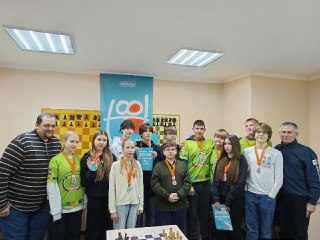
Boryspil Hosts Local Chess Tournament Within 'Side-by-Side' School Leagues
The Boryspil chess club 'Podynovok' hosted the territorial stage of all-Ukrainian chess competitions among local students.
Energy Facility Hit in Vinnytsia: Power Outages Reported and Kindergarten Damaged
Following a morning drone attack on Vinnytsia on November 21, an energy infrastructure facility and a kindergarten building were damaged.
 ⚽Sport
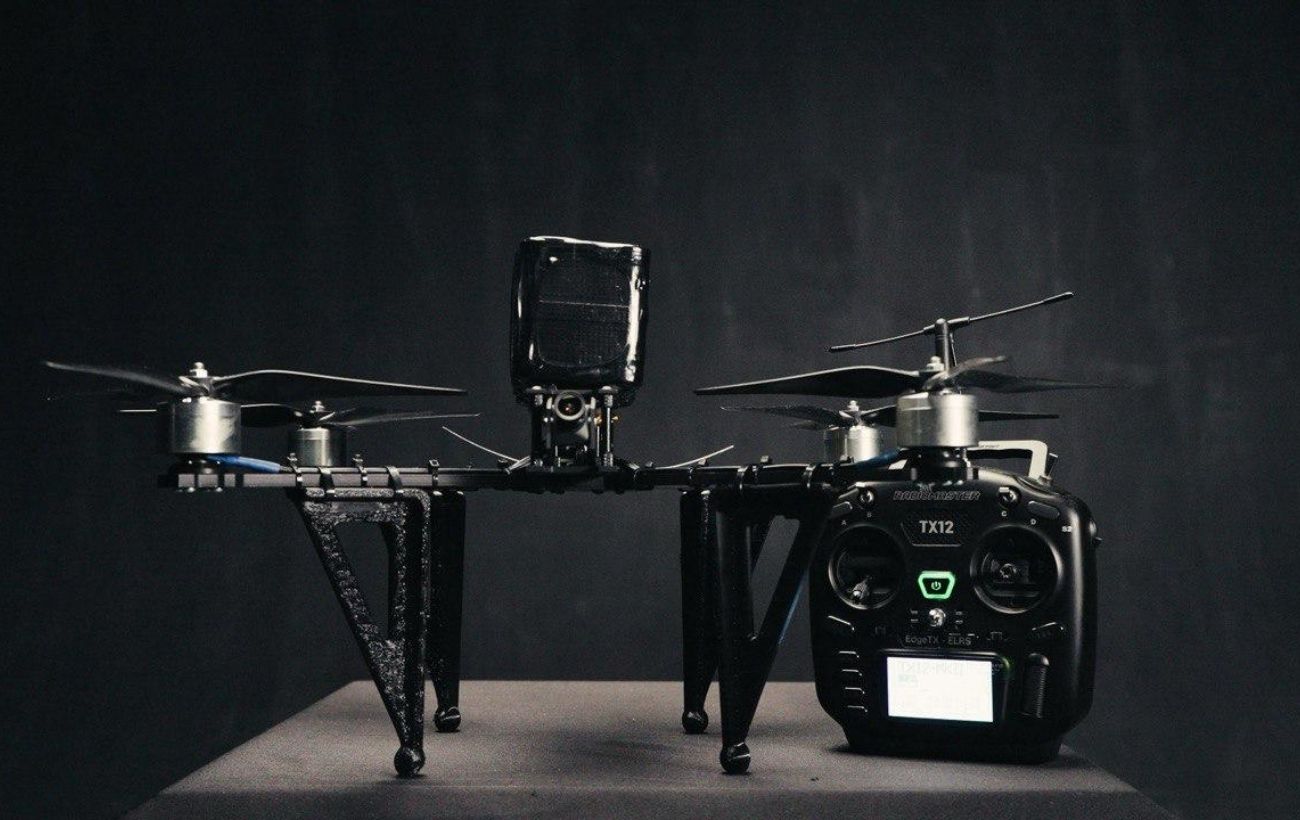
The Path of a Defense Drone to Units: Why Codification Doesn't Guarantee Contracts
Obtaining codification and a NATO stock number opens state procurement to drone manufacturers, but does not automatically ensure funding or regular front-line supplies.
 🎭Culture & Sport
Star Factory Winner Povin' Reveals How She Will Spend Her Cash Prize
Veronika Stepanenko, winner of the first season of 'Fabryka Zirok', has shared her plans for the prize money, allocating it to her music career, donations for the Armed F…